
Gemini macOS App Launched: Screen Analysis and Desktop Integration Stand Out
The Gemini macOS app has been released. Screen analysis, desktop integration, and new features are drawing attention.
Gemini macOS app has been introduced as a major step by Google toward enhancing the desktop experience. After focusing on browser-based services for a long time, the company now presents a fully integrated application that works directly with the operating system.
What the Gemini macOS App Offers
The app goes beyond just providing a chat window. Users can switch between different model options. Fast, reasoning, and advanced modes can be selected depending on the task at hand.
Additionally, the app connects directly with the Google ecosystem. With Drive, Photos, and file upload support, users can access their content from a single place.
Screen Sharing and Analysis Feature
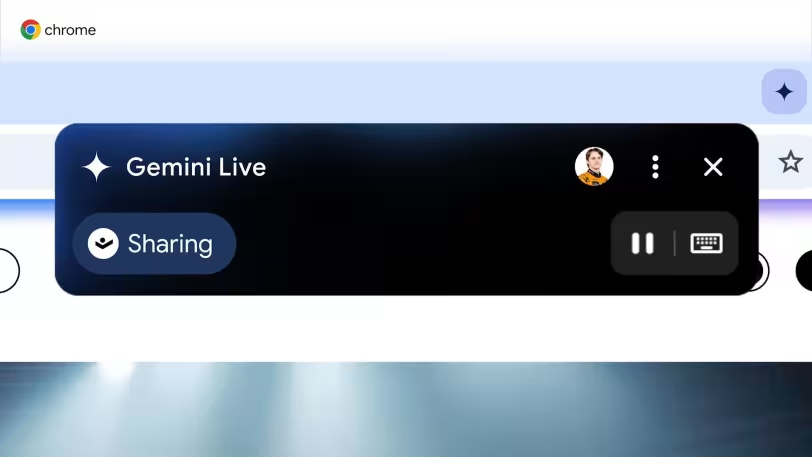
Gemini macOS app stands out with its screen sharing capability. Users can send a specific window to the app, allowing the AI to analyze the content directly.
This feature provides immediate productivity benefits, especially for use cases like content summarization and real-time information generation. It also highlights why a desktop version of the app was developed.
Keyboard Shortcut and Quick Access
The app can be quickly launched using the Alt + Space shortcut. This allows users to perform quick queries without interrupting their workflow.
In addition, features such as top menu bar integration and auto-launch further enhance the desktop experience.
Additional Features and Content Creation
Gemini macOS app also includes content creation tools. Through the app, users can:
- Create images
- Generate videos and music
- Use Canvas and research tools
Moreover, the “My content” section allows easy access to previously created materials.
Limitations and First Release Details
The initial release comes with some limitations. Gems support is not available, and the live mode that provides continuous voice interaction is not yet included. However, voice input support is available.
Overall, the app delivers a native experience that aligns with the macOS design language. This represents a more integrated structure that goes beyond browser-based usage.